

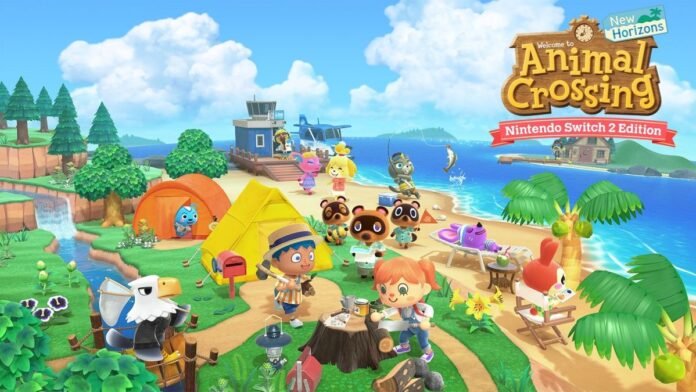

The upcoming Nintendo Switch 2 update for Animal Crossing New Horizons is poised to breathe new life into the six-year-old game. Introducing a new hotel and the ability to create four additional ‘Dream Worlds,’ the update offers a wealth of content for both new and returning players. Most of the new content will be available for free to existing players, while Switch 2 enhancements will require a nominal fee of £4.19.
For players looking to transfer their Animal Crossing island from the original Nintendo Switch to the new Switch 2 console, a specific tool must be downloaded from the eShop. Although this process may seem complex, it becomes straightforward with the right guidance.
Before initiating the transfer, it’s essential to note that moving an island deletes the save data from the original console, as each Animal Crossing island can only exist on one console at a time. To begin, ensure both the old and new consoles are powered on and connected to the internet.
Download the Island Transfer Tool from the Nintendo eShop on both consoles and launch the application while logged into the same Nintendo Switch account on each device. Follow the on-screen prompts on the old console to designate it as the ‘Source,’ displaying the island name. On the new Nintendo Switch 2, select ‘Target’ to specify where the island data should be transferred.
Proceed by clicking ‘Transfer’ after selecting the target console on the original device. Once the transfer process is complete, a confirmation message will appear, indicating a successful data transfer. You can now enjoy playing Animal Crossing New Horizons on your Nintendo Switch 2 console with your island intact and ready for exploration.